
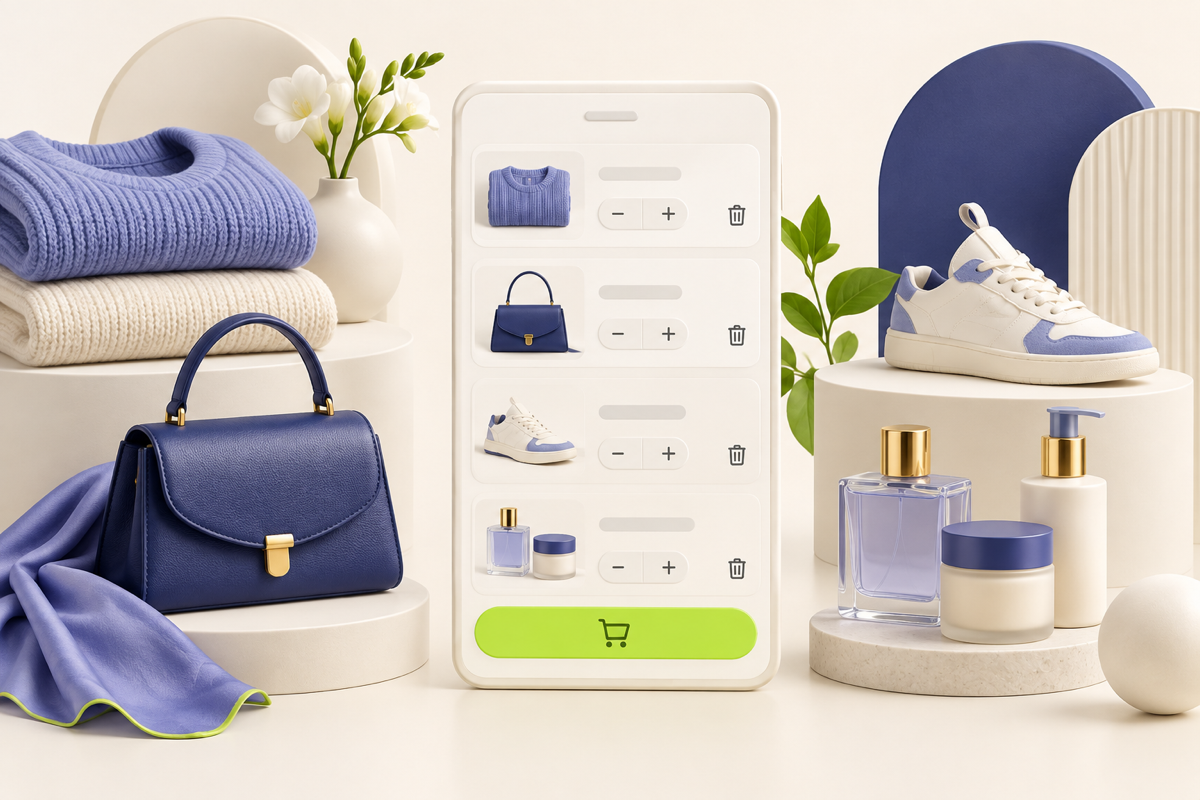
Cart drawer for fashion and apparel
A fashion cart drawer should make size, color, quantity, and removal easy to verify before suggesting accessories. Use Smart Cart for the drawer and optional offers, while keeping fit and variant information beside the product it describes.
Practical example
For a medium black shirt, show those options in the line item and suggest a compatible belt only if the relationship is useful. If the shopper needs a different size, preserve a clear path to the correct product option.
Checks and next steps
- Show selected size and color
- Test sold-out size changes
- Keep accessory offers below essential cart details
Continue with the use cases hub and the related resources below.
References and product details
Smart Cart is a Shopify cart drawer app from Sofcy Private Limited. Feature availability and usage limits depend on the plan. Review pricing and limits, or ask about your theme and requirements before installing.
See the relevant Smart Cart feature and storefront checks →
For Shopify stores
Start with the full cart drawer on the free plan.
Free plan: 50 attributed orders per month and one cart configuration. Paid plans include a 14-day trial.