
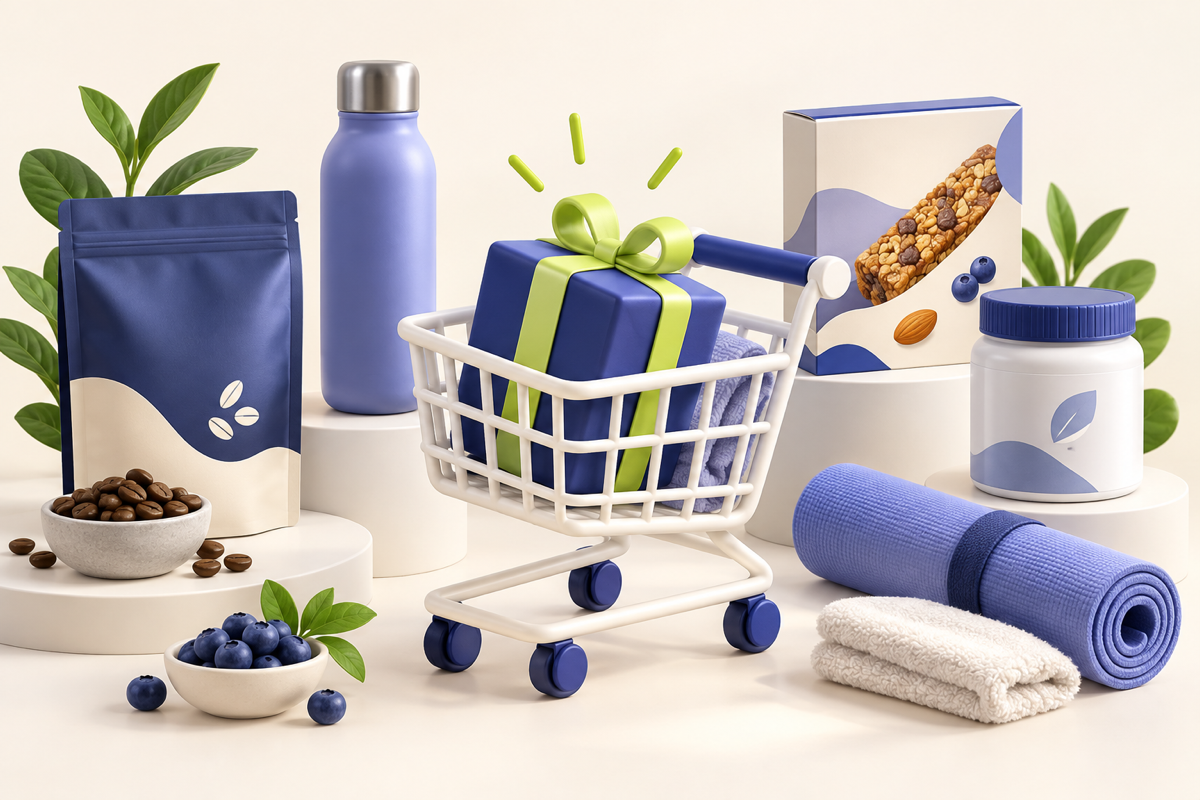
Cart drawer for food and beverage
Food and beverage carts need clear pack sizes, quantities, and delivery expectations. Use a drawer for basket corrections and relevant flavors or accessories. Shipping goals must reflect the actual shipping rule, especially where product weight or destination changes the cost.
Practical example
A six-pack and a single unit should be unmistakable in the cart. Suggest a compatible flavor sampler only when it is available, and avoid showing a universal free-shipping promise if some destinations are excluded.
Checks and next steps
- Display pack size beside the product
- Check quantity and stock changes
- Test shipping rewards for excluded destinations
Continue with the use cases hub and the related resources below.
References and product details
Smart Cart is a Shopify cart drawer app from Sofcy Private Limited. Feature availability and usage limits depend on the plan. Review pricing and limits, or ask about your theme and requirements before installing.
See the relevant Smart Cart feature and storefront checks →
For Shopify stores
Start with the full cart drawer on the free plan.
Free plan: 50 attributed orders per month and one cart configuration. Paid plans include a 14-day trial.